


Blur & Blur (Strong)
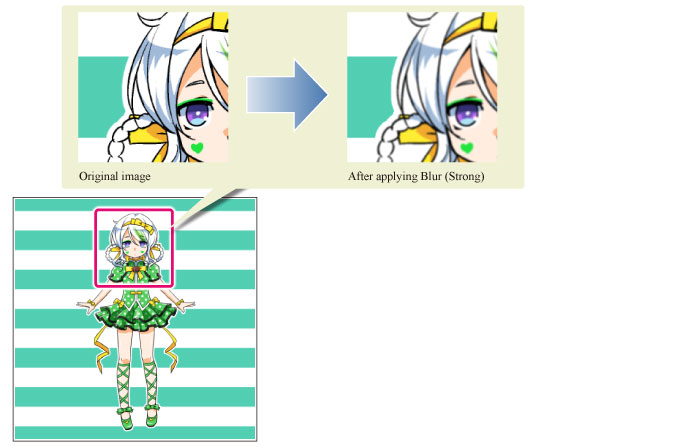
These filters calculate the average colors around borders and sharp edges to make the image appear smoothly blurred.
Select [Filter] menu > [Blur] > [Blur (Strong)] (or [Blur]) to apply this filter to the selected layer. The filter will only be applied to the image on the layer.
|
Applicable layers |
Raster layer (gray) Raster layer (color) |
|
|
If you create a selection area and then use the [Blur] or [Blur (Strong)] filters, the effect will only be applied within the selection area. |