Operating Procedure
This section explains how to configure 3D materials using the palette.
Tool property Palette
This section explains how to configure 3D materials using the Tool Property palette.
1Selecting 3D Object Materials
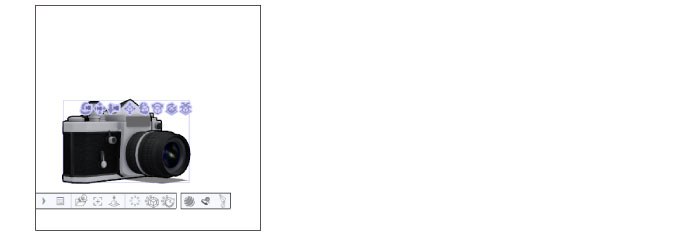
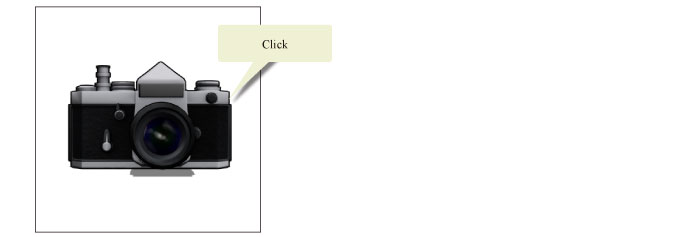
Select [Object] of the [Operation] tool, then click the 3D object material to edit.
2Configure the tool property palette
On the Tool Property palette, configure settings such as the camera angle.
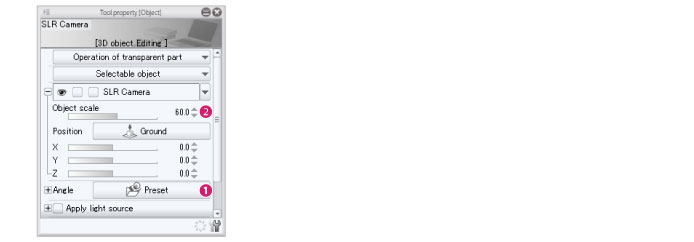
(1) Select the camera angle from [Angle] > [Preset].
(2) Fine adjust the display size of the 3D object material with [Object scale].
|
|
Opening the Sub Tool Detail palette from [Sub Tool Detail] on the Tool Property palette will allow you to make more detailed adjustments. For details on the Tool Property and Sub Tool Detail palettes, see the “Clip Studio Paint Tool Setting Guide." |
3The settings are reflected
The settings are reflected in the 3D object material on the canvas.