


Sharpen & Sharpen More
Filters that sharpen images by enhancing the contrast at the image borders. There are two variants of the filter depending on the strength of its effect: [Sharpen] and [Sharpen More].
Select the layer you want to apply a filter to, then select the [Filter] menu > [Sharpen] > [Sharpen More] (or [Sharpen]) to open the dialog box. The filter will only be applied to the image on the layer.
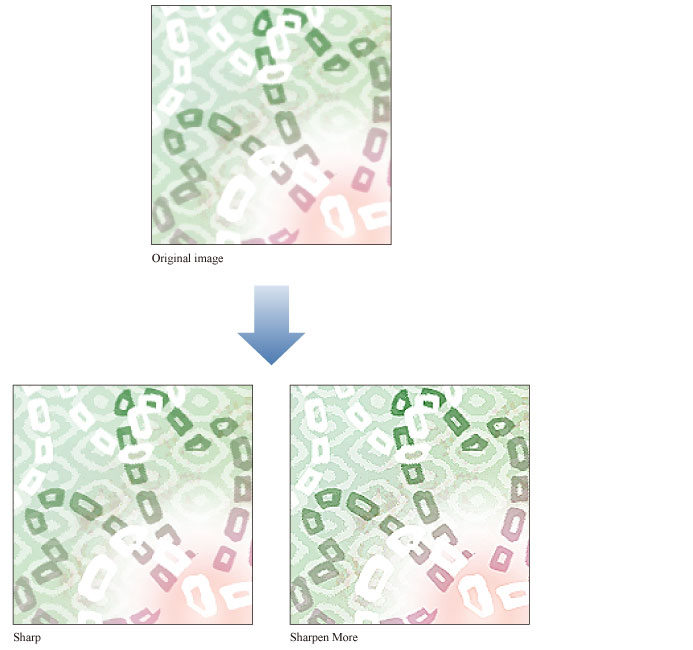
|
|
If you create a selection area and then use the [Sharpen] or [Sharpen More] filters, the effect will only be applied within the selection area. |