


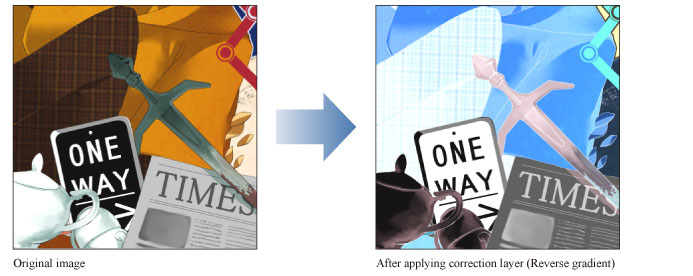
Tonal Correction layer (Reverse Gradient)
Select the [Layer] menu > [New Correction Layer] > [Binarization] to create a layer to invert the colors (RGB values) of the image. Inverted values are in RGB. For example, R: 100, G: 255, B: 0 would be inverted to R: 155, G: 0, B: 255.
|
|
·If you create a selection area, the effect will only be applied to the selection area. You can change the size of the effect later. ·For information on how to edit a Tonal Correction layer, see "Changing the area of a tonal correction layer". |