


Merging text
Merge text areas in the [Story editor]. Merged text areas can be handled as one piece of dialog on the page.
1Specify the text area to be merged
Click the latter text area and place the text cursor at start of the text area.
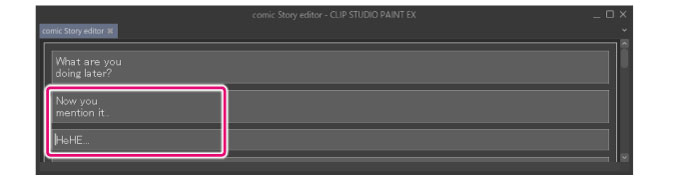
2Combine text areas
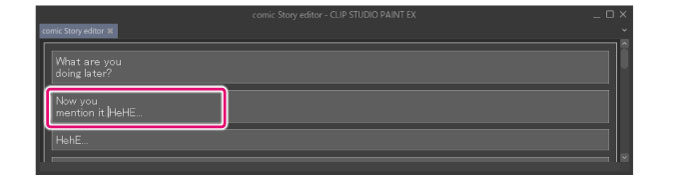
Press Backspace to merge the text area with the previous text area.
|
|
You can also merge to the next text area by placing the text cursor at the end of the text area and pressing the Delete key. |