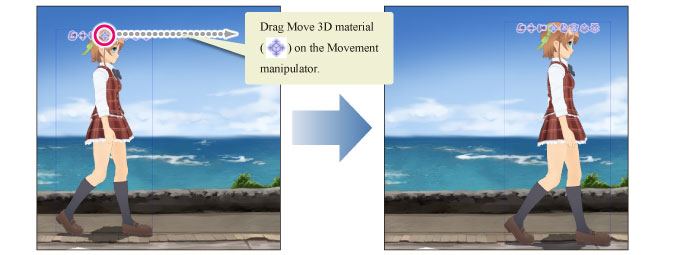
Moving a 3D Character Material or 3D Drawing Figure
You can move a 3D character material or 3D drawing figure horizontally or vertically.
1Select the tool
On the Tool palette, select the [Operation] tool.
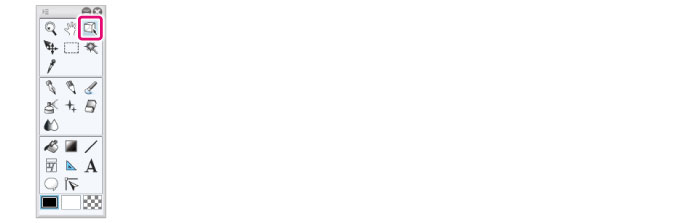
2Select the sub tool
Open the Sub Tool palette and select [Object].
3Select the 3D material
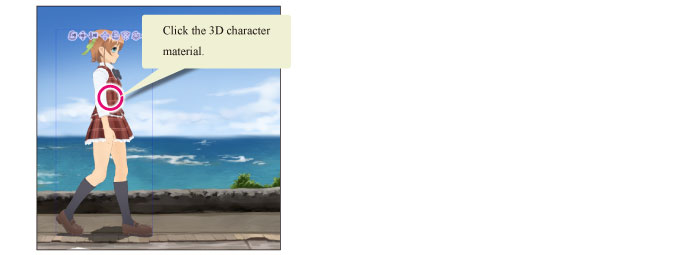
Click the 3D character material or 3D drawing figure to move.
4Move the 3D character material
Dragging [Move on plane] on the Movement manipulator moves the 3D character material in the dragged direction.