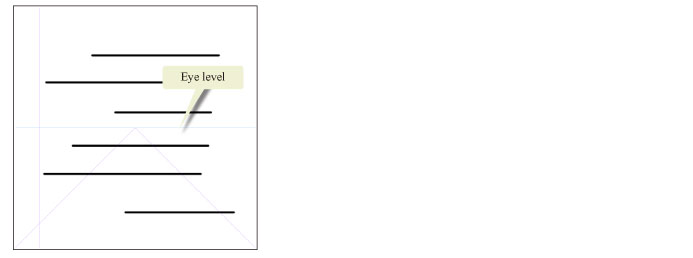
Snapping to the Eye Level Direction (Only for One-point Perspective)
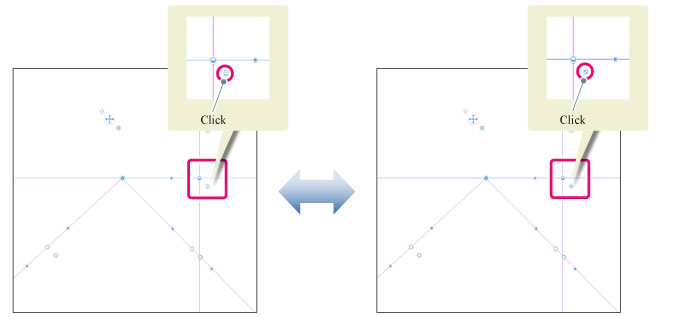
Clicking the snap button on the [Eye level handle] allows you to turn on/off the snap to the eye level direction. This snap button is displayed only for [1 point perspective].
|
Eye level |
Light blue (Snap on) |
Blue (Snap off) |
Turning on the snap allows you to draw snapped to the eye level direction even when drawing in [1 point perspective].