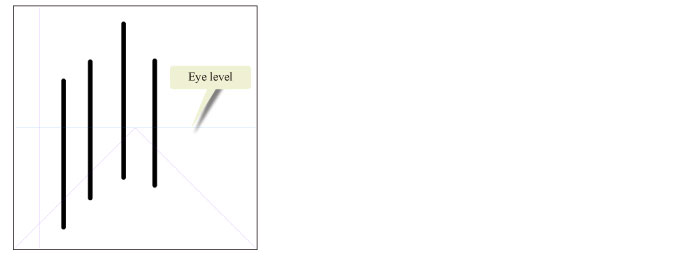
Snapping to the Line Orthogonal to the Eye Level (Only for One-point and Two-point Perspectives)
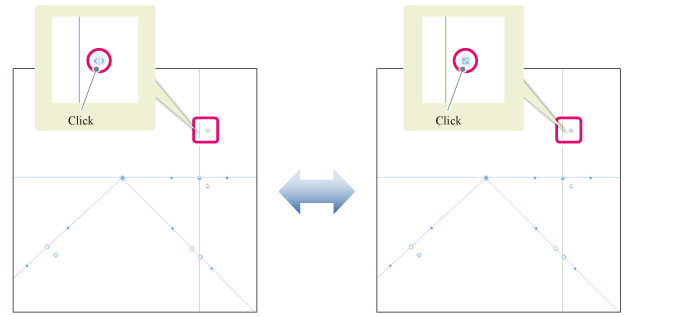
For [1 point perspective] and [2 points perspective], an orthogonal line to the eye level is displayed. Clicking the snap button on this line allows you to turn on/off the snap to the direction orthogonal to the eye level.
|
Orthogonal line to eye level |
Purple (Snap on) |
Green (Snap off) |
Turning on the snap allows you to draw snapped to the orthogonal direction to eye level even when drawing in [1 point perspective] or [2 points perspective].