


Using the Mixing Font
To use a mixing font, proceed as follows.
1Select the tool
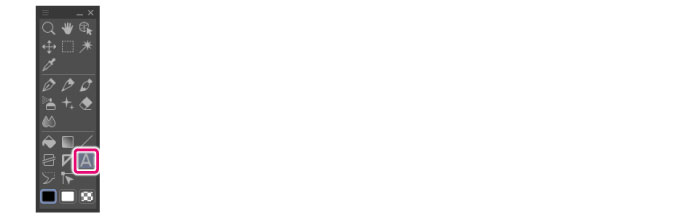
On the Tool palette, select the [Text] tool.
2Show sub tool detail palette
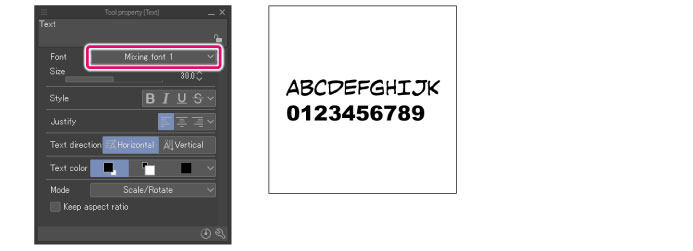
From [Font] on the Tool Property palette, select the created mixing font.
Inputting a text reflects the content of the configured mixing font.
|
|
Selecting with the [Object] sub tool also allows you to apply the mixing font afterwards from the [Tool property] to the input text. |