


Rotate the part [Windows/macOS]
To rotate a selected part, proceed as follows.
|
|
When using the Tablet/Smartphone versions, you can rotate parts with the manipulator. For details, see "Using Manipulators". |
1Select the tool
On the Tool palette, select the [Operation] tool.
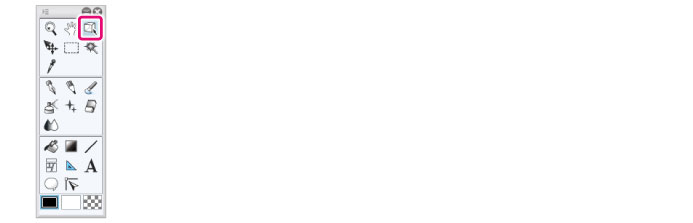
2Select the sub tool
Open the Sub Tool palette and select [Object].
3Select the 3D material
Click the 3D character material or 3D drawing figure to edit.
4Select the part
Click to select the part to rotate.
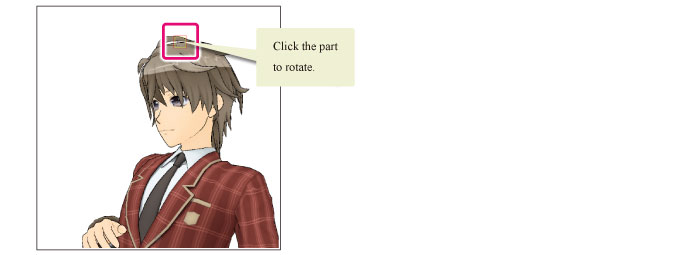
5Rotate the part
Operate the mouse wheel. The selected part rotates.

|
|
When displaying the animation controller, the perspective changes when you turn the mouse wheel. To rotate parts, switch to the manipulator display. For details on how to switch to the manipulator display, see "Switching to the Manipulator Display". |